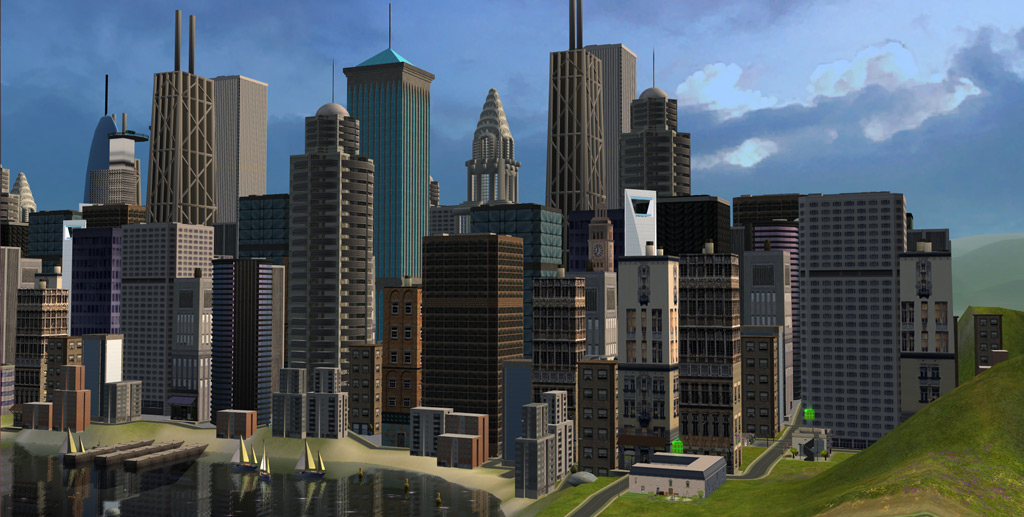
Welcome back to my SimCity Let’s Play series! In this episode, I took you through the intricate process of setting up my custom SimCity neighborhood. This blog post will delve deeper into the lore and technical details that underpin the creation and development of this vibrant community. For those who missed the video, you can find it linked here. Now, let’s get started with the in-depth setup of our SimCity neighborhood.
Overview of the SimCity Neighborhood
SimCity is a custom mainhood where I place those premade families that don’t quite fit into other neighborhoods. This eclectic mix creates a unique and diverse community, full of interesting dynamics and stories. I plan to play these families rotationally, giving each household its time in the spotlight.
Step 1: Setting the Scene
- Setting “Season Skyline – Green Hills” skyline for the neighborhood.
- Setting “The Great Sky of Totalitarianism (Circle: AssassinsCreed)” sky for the neighborhood.
These settings provide a vibrant and slightly dystopian atmosphere, perfect for the eclectic mix of families that will inhabit this neighborhood. The download links are available below
Step 2: Placing the Lots
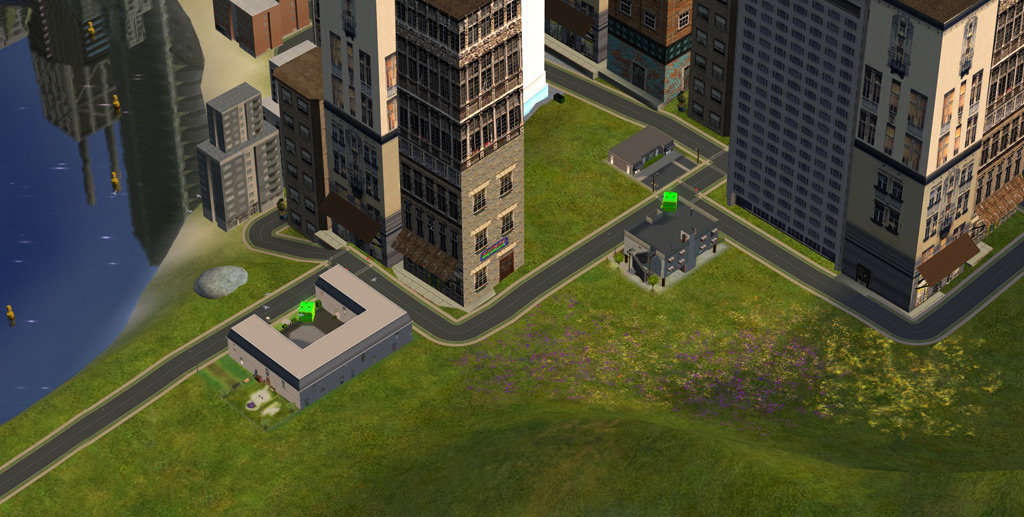
- Placed City Center Lofts and Boothbay Apartments, both from the Apartment Life expansion pack, which will serve as housing for many of the families.
- Placed the Pleasantview Career Services, renamed to SimCity Career Services. This lot is essential for providing job opportunities to our Sims.
The Career Services lot is created by Pleasant Sims, a great resource for custom content. The City Center Lofts and Boothbay Apartments are fantastic additions from the Apartment Life expansion pack, offering diverse living spaces for our Sims.
Step 3: Setting up the Kim Family
I started with the Kim family, a lot bin family from the Pets expansion pack. After placing their household, I paused the game to make several adjustments:
- University Degrees: Cynthia and Robert Kim received degrees in Drama, aligning with their backstory of being in Show Business.
- Lifetime Wants and Aspiration Benefits: Cynthia’s lifetime want was set to “Have 20 Simultaneous Best Friends”, and Robert’s to “Earn $100,000”. Their wants and aspiration benefits were adjusted to reflect their new goals and enhance their gameplay dynamics.
- Autonomous Casual Romance (ACR): I installed the ACR mod to add more autonomous romantic actions, increasing the unpredictability and excitement in their interactions.
The Kim family provides a great starting point with rich backstories and potential for drama. Adjusting their degrees, lifetime wants, and aspiration benefits aligns them better with their narratives and sets the stage for interesting developments.
Step 4: Setting up the Kat Family
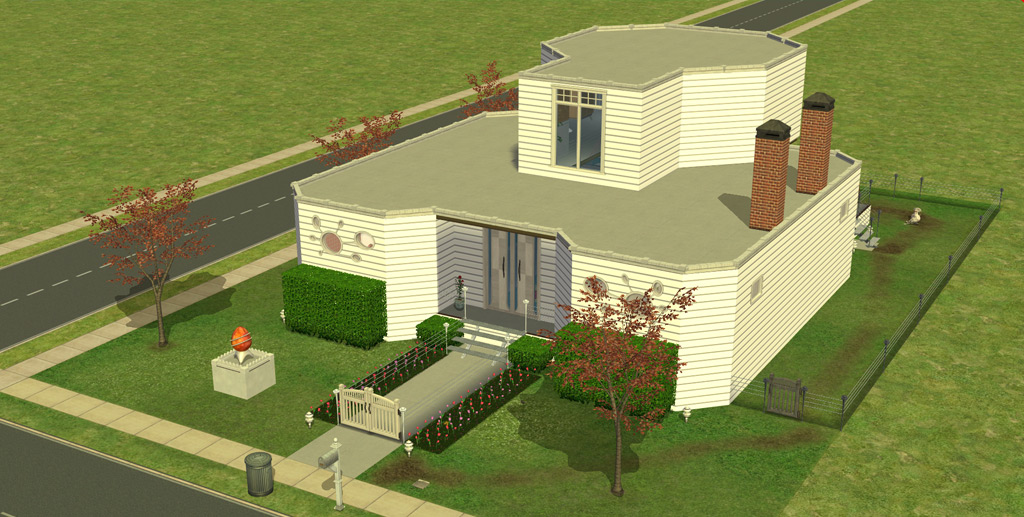
Tara Kat was given the lifetime want of “Golden Anniversary” and aspiration benefits to support her family-oriented goals. As with the Kims, I used the Sim Blender to make necessary adjustments.
The Kat family is all about familial bonds and relationships. Tara’s goal of a Golden Anniversary fits her nurturing nature and will drive engaging storylines around love and loyalty.
Step 5: Setting up the Roseland Family
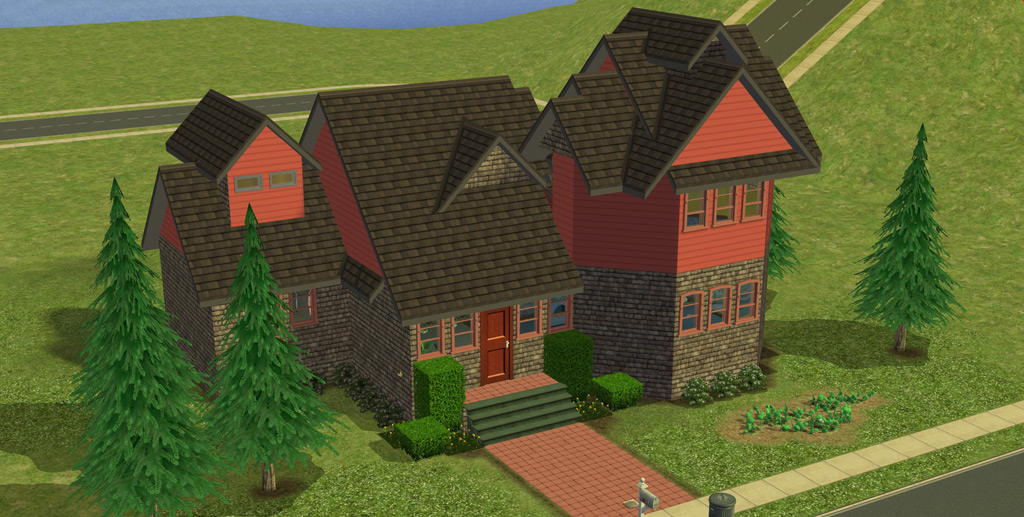
Cyd Roseland was moved into the City Center Lofts. His lifetime want was set to “Max Out 7 Skills”, and his aspirations were aligned to support skill-building rather than career-focused goals.
Cyd Roseland’s story will revolve around personal growth and skill development. This setup allows for a focus on hobbies and talents, providing a refreshing break from the career-centric aspirations of other families.
Step 6: Setting up the Traveller Family
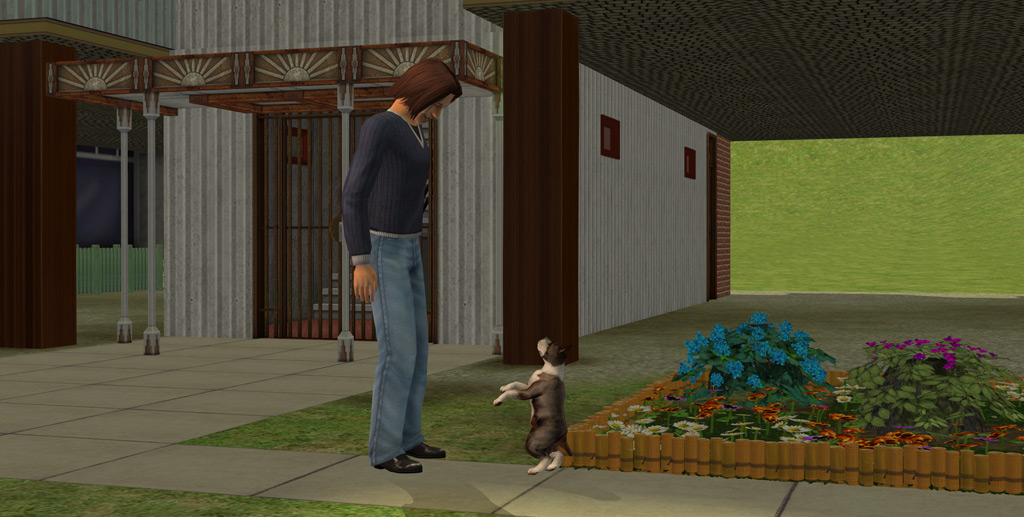
The Traveller family, from the Bon Voyage expansion pack, was placed in Boothbay Apartments. Trent and Trisha Traveller received degrees in History and Art, respectively. Their lifetime wants and aspirations were tailored to fit their adventurous and social natures.
The Traveller family adds an element of wanderlust and social connectivity to the neighborhood. Their background in history and art enriches the cultural tapestry of SimCity.

Conclusion
Setting up these families with their unique backstories and aspirations was incredibly enjoyable. Each household adds a different flavor to the SimCity neighborhood, promising a dynamic and engaging gameplay experience.
That wraps up the detailed setup of the SimCity neighborhood. I hope this deep dive into the technical and lore aspects of the setup has given you new insights and inspiration for your own Sims neighborhoods. Feel free to share your thoughts and any suggestions for future videos or blog posts. Remember to like, share, and subscribe to my channel for more SimCity adventures (Youtube). Thank you for reading!
Comment below: What are some of your favorite custom content for Sims neighborhoods? Do you prefer setting up families with predetermined backstories or creating your own? So what do you think of these families in this neighborhood? Do you like playing with them?
Happy Simming!
Related downloads
- Clean neighborhoods by the MeetMe2TheRiver: Tumblr (link) & Livejournal (link)
- Season Skylines (link). Download (link). Alternative download (link)
- The Great Sky of Totalitarianism Sky’s (link). Download (link). Alternative download (link).
- Pleasantview Career Services (link). Download (link). Alternative download (link)
- Clean Kim&Kat families (link). Download (link). Alternative download (link)
- Sim Blender. Download (link). Alternative download (link).
- FFS Lot Debugger (Batbox) (link). Download (link). Alternative download (link).
- Autonomous Casual Romance (ACR): Download (link). Alternative download (link)
Other posts that may interest you
- Building a SimCity mainhood in The Sims 2 Ultimate Collection
- Unofficial SimCity neighborhood lore
- Unofficial Kim Family lore
- Unofficial Kat Family lore
- Unofficial Roseland Family lore
- Unofficial Traveller Family lore
Enjoy this content? Subscribe via RSS to get new posts automatically →