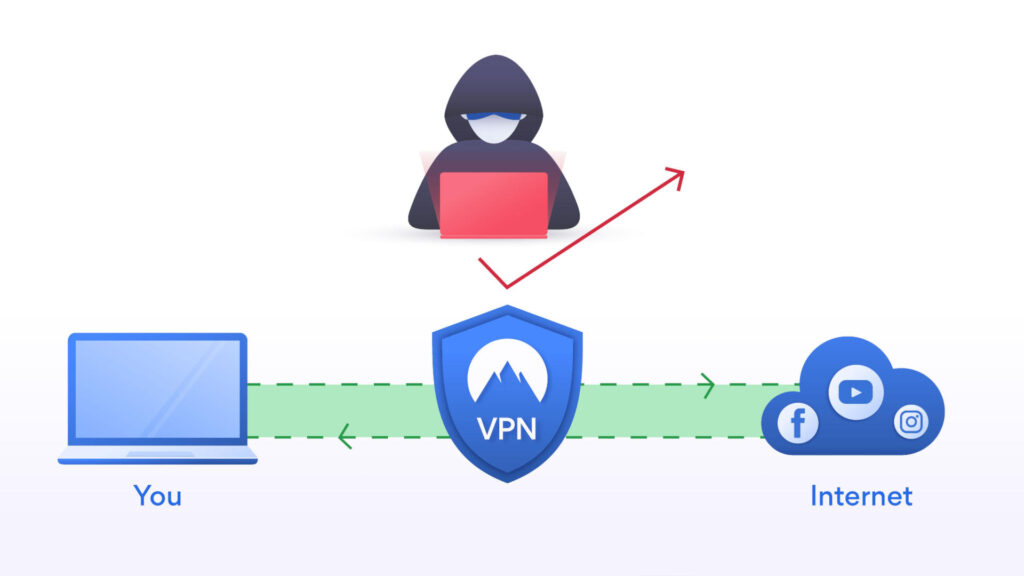
What Is a VPN?
A VPN (Virtual Private Network) encrypts your internet traffic and hides your IP address from websites and your ISP. Think of it as a private tunnel between your device and the internet.
What a VPN Does
- Hides your IP address: Websites see the VPN server’s location, not yours
- Encrypts your traffic: Your ISP can’t see what sites you visit
- Protects on public WiFi: Prevents eavesdropping on unsecured networks
- Bypasses geographic blocks: Access content restricted to other regions
What a VPN Doesn’t Do
- Doesn’t make you anonymous: The VPN provider still sees your traffic (though good providers don’t keep logs)
- Doesn’t stop tracking cookies: Websites can still track you if you’re logged in
- Doesn’t make illegal activity legal: You’re still subject to local laws
Recommended VPNs
Not all VPNs are trustworthy. Some sell your data. Some are scams. These two have proven track records:
Mullvad (Best for Privacy)
- No account required, you get a random number
- No email, name, or payment trail if you pay with crypto/cash
- Independently audited, proven no-logs policy
- €5/month flat rate
- Website: mullvad.net
ProtonVPN (Best for Beginners)
- From the makers of Proton Mail
- Free tier available (limited servers, slower speeds)
- Independently audited, based in Switzerland
- Easy-to-use apps
- Website: protonvpn.com
Avoid Free VPNs
If you’re not paying, you are the product. Free VPNs typically:
- Sell your browsing data to advertisers
- Inject tracking cookies
- Have weak or no encryption
- May contain malware
Studies show many free VPNs are owned by Chinese companies, leak DNS requests, or sell bandwidth to create botnets.
Quick Setup
1. Sign up with a reputable provider (see above)
2. Download from their official website only
3. Enable the kill switch (cuts internet if VPN disconnects)
4. Choose WireGuard or OpenVPN protocol (avoid PPTP)
5. Connect to a server near you for best speed
EU Digital ID Context
With the EU’s Digital ID expansion, you might wonder if a VPN helps:
Important: Adults can use VPNs to avoid handing over identification in some jurisdictions (always check your local regulations). Everyone who can should use a VPN to stay safe online depending on the regulations.
It can: Hide your location from platforms (making you appear in a different country), encrypt traffic from ISP surveillance
It can’t: Help if you’re already logged in with your real identity (they know who you are), or if the platform requires ID verification for all users globally
A VPN is one privacy tool among many: Useful, but not a complete solution. VPNs are worth having for privacy protection, especially with expanding surveillance.